FocalNomad participates in affiliate partnerships and may earn a commission on qualifying purchases at no additional cost to you. How FocalNomad earns affiliate commissions
A good home theater projector is not simply the one with the largest resolution number in its title. The important questions are whether that resolution is native, how brightness is measured, where you will use the projector, and whether its built-in software is dependable enough to replace a streaming stick.
The five models below cover inexpensive bedroom projectors, portable smart machines, and more ambitious Full HD options. Their specifications come from seller listings, so treat the advertised figures as claims to verify before buying—particularly brightness, operating-system support, battery life, and “4K” compatibility.
What matters most in a home theater projector
Native resolution matters more than “supports 4K”
A projector with native 1920×1080 resolution displays a 1080p image directly. A model that merely “supports 4K” can accept a higher-resolution signal while showing it at a lower native resolution. That can still be useful for compatibility, but it is not the same as a 4K display.
For comparison, the seller titles describe the XGODY as native 720p, while the DITONG and ThundeaL listings advertise native or Full HD 1080p. The Magcubic is presented as a 1080p model with 4K support. The BYINTEK listing combines “4K” and “Full HD 1080P,” but does not provide enough accessible detail here to establish whether its 4K claim refers to input support, processing, or display resolution.
Brightness claims need context
Brightness determines how well an image survives ambient light. A dark bedroom is forgiving; a living room with lamps or daylight is not. “ANSI lumens,” “lumens,” and other brightness labels are not automatically interchangeable. Even established manufacturers use different measurement systems, so published numbers should be compared cautiously. BenQ, Epson, and Optoma illustrate this problem in their own specifications and product documentation: BenQ publishes ANSI lumens for some models, while Epson separates color and white brightness, and Optoma reports lumens using its own product specification. BenQ, Epson, Optoma
That makes the advertised 300 ANSI lumens on the XGODY and 900 ANSI lumens on the Magcubic useful as starting points, not guarantees of comparable real-world performance. Look for independent measurements, a clear return policy, and photos or reviews taken in a room similar to yours.
Smart features are convenient, but not decisive
Built-in Android or Google TV can reduce cable clutter, but projector software varies in app support, update policy, and certification. HDMI remains valuable: an external streaming device can often provide a better long-term interface than an aging built-in operating system.
The five projectors at a glance
| Model | Listing highlights | Best fit | Main uncertainty |
|---|---|---|---|
| XGODY Gimbal 3 Pro | 300 ANSI, native 720p, Android 11, Wi-Fi 6, Bluetooth 5.4 | Low-cost bedroom viewing | Small native resolution and unverified listing details |
| BYINTEK U90 | Full HD 1080p listing, Google TV, battery, 4K-oriented branding | Portable all-in-one setup | Battery and display-resolution details are not confirmed here |
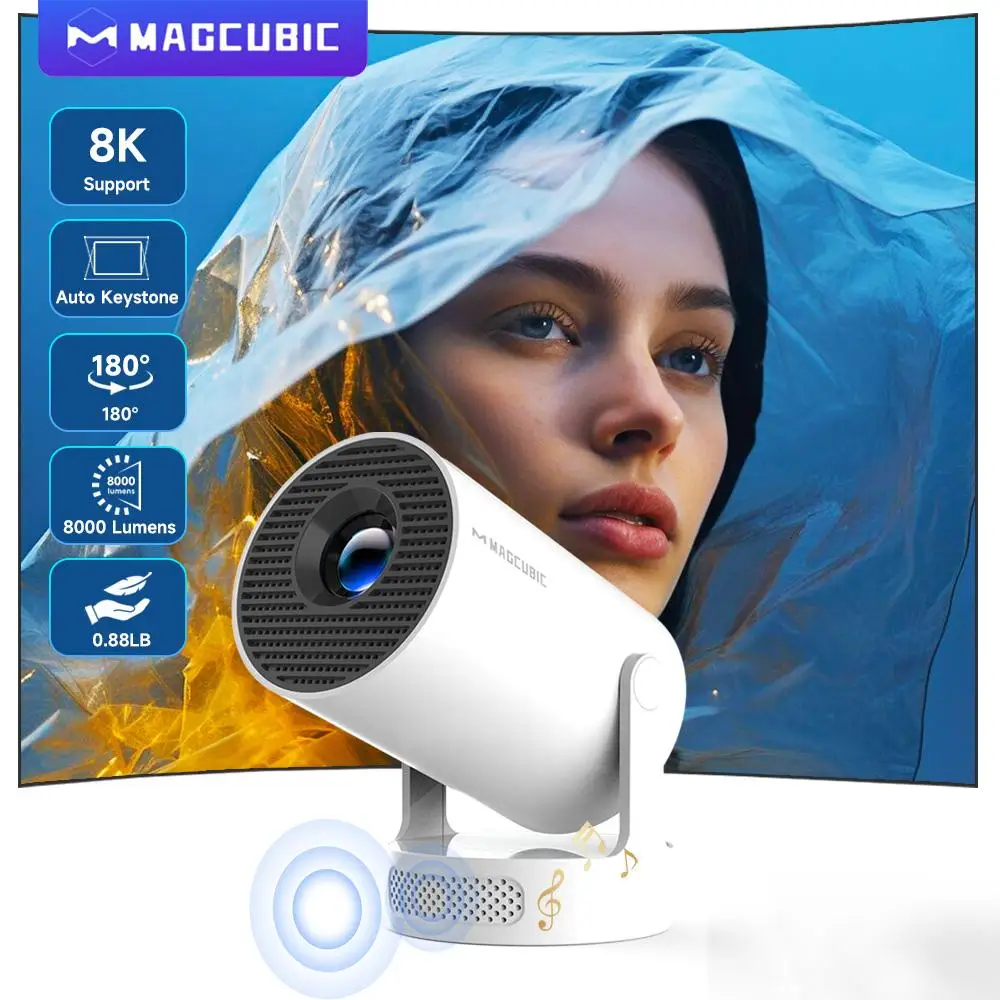
| Magcubic HY350GTV | 1080p listing, advertised 900 ANSI, auto focus, 4K TV stick | Feature-heavy portable entertainment | Brightness and “4K” meaning require verification |
| ThundeaL TD80 Pro | Full HD 1080p listing, Android, Wi-Fi, 2K/4K support | Budget Full HD movie setup | Input support should not be mistaken for native 4K |
| DITONG X3Plus | Native 1080p listing, Wi-Fi 6, Bluetooth 5.4, 4K support | Affordable Full HD streaming | Brightness and software certification are unspecified |
Projector-by-projector buying guide
1. XGODY Gimbal 3 Pro: the inexpensive bedroom option
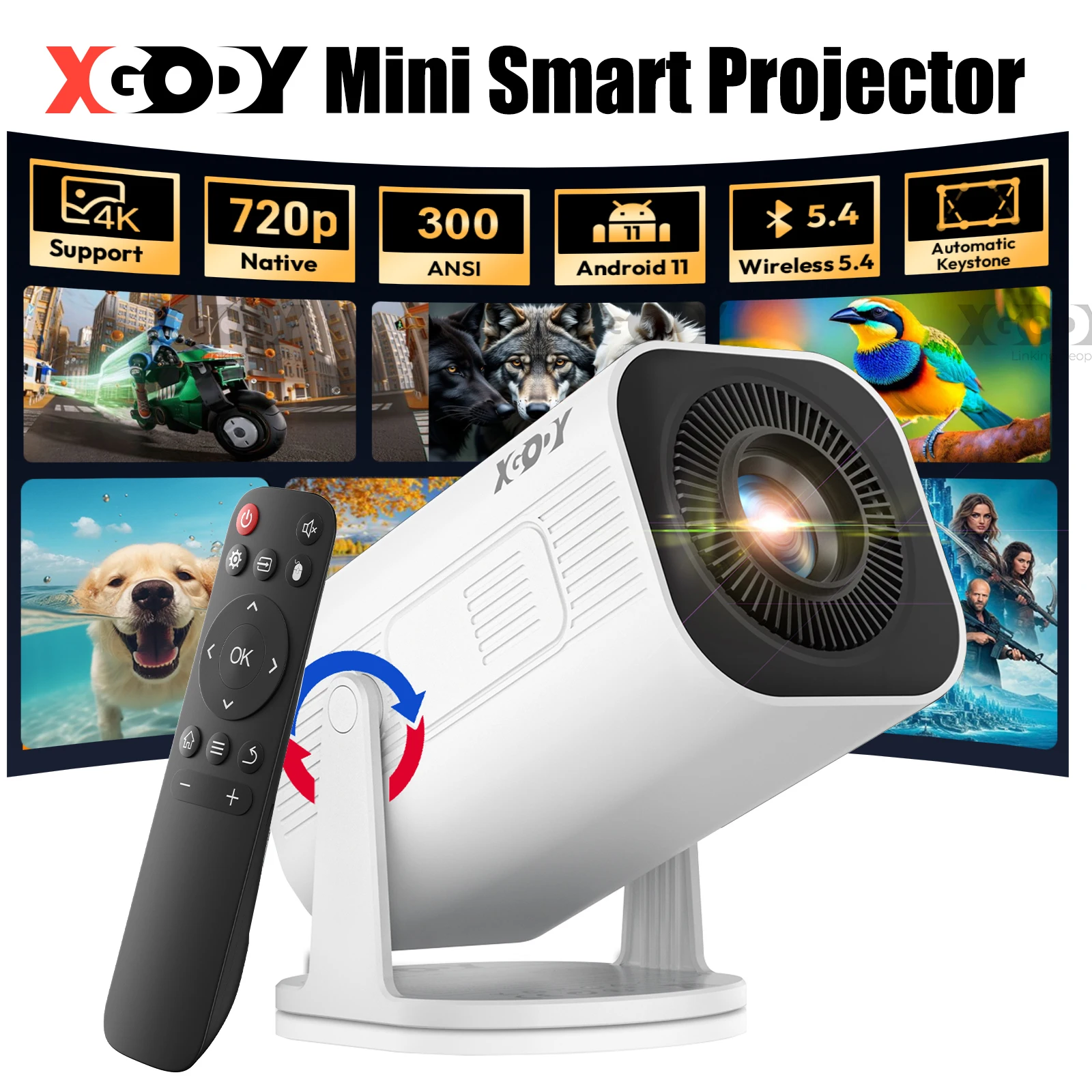
The XGODY listing specifies 300 ANSI lumens and native 720p, along with Android 11, Wi-Fi 6, Bluetooth 5.4, automatic keystone correction, wireless screen mirroring, HDMI, and USB. That combination is aimed at convenience rather than a reference-quality cinema image.
Native 720p can look perfectly enjoyable at a modest image size in a dark room, especially for cartoons, casual television, and occasional movies. It is less attractive for subtitles, detailed films, or a large screen viewed from close range. Keystone correction can make placement easier, but a physically square placement generally preserves more image quality than aggressively reshaping the picture.
2. BYINTEK U90: the ambitious portable choice
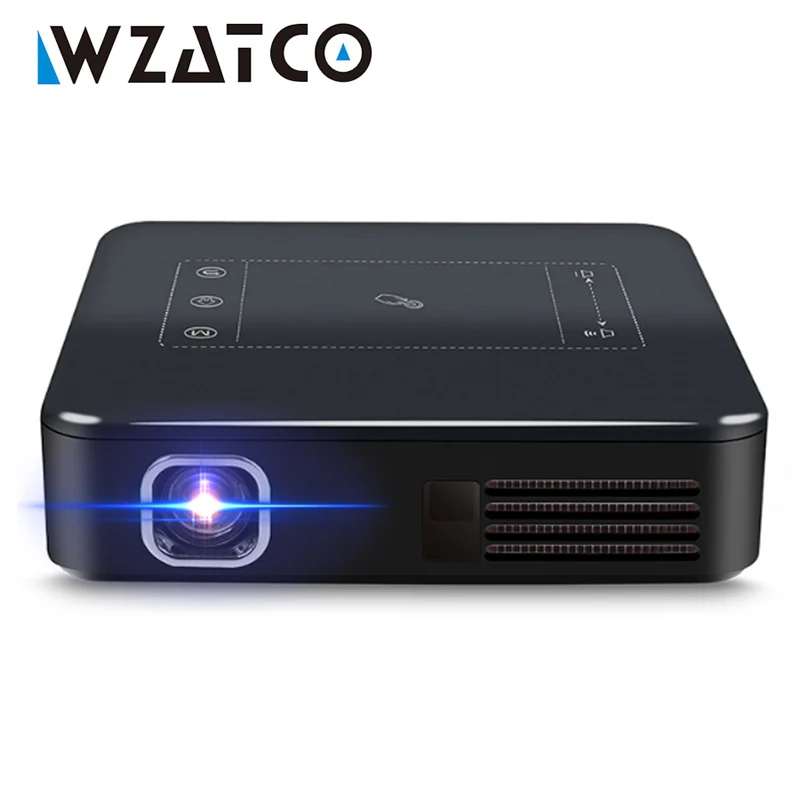
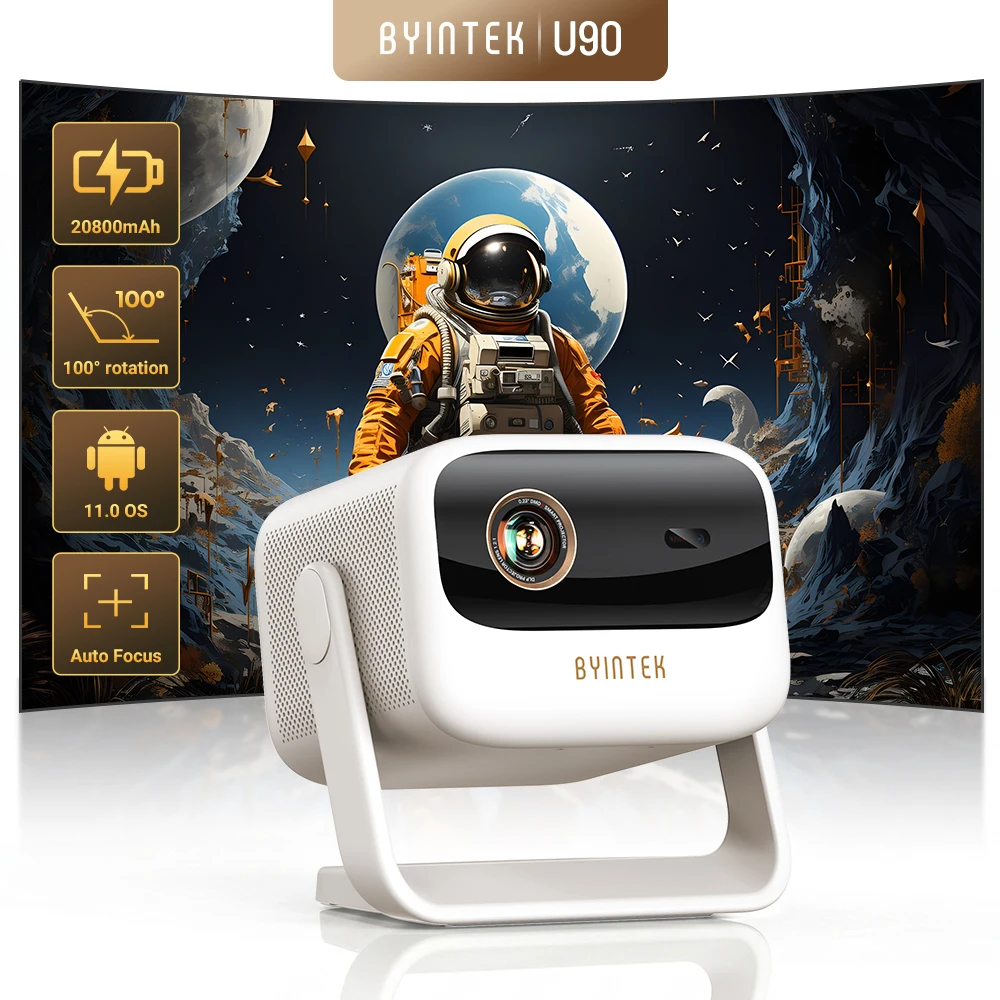
The BYINTEK U90 listing combines Full HD 1080p, Google TV 11.0, 4K-oriented branding, Wi-Fi, portability, and a battery. On paper, that is the most complete all-in-one proposition here: a projector designed to move between rooms without immediately requiring a separate streaming box.
However, the accessible product information does not confirm the battery capacity, native display resolution, brightness measurement, or expected runtime. Those omissions matter more at this price than they would on a cheap secondary projector. Before buying, confirm whether the battery powers the projector for a full film, whether Google TV is officially certified for the services you use, and whether the seller provides a meaningful warranty.
3. Magcubic HY350GTV: the brightness-led listing
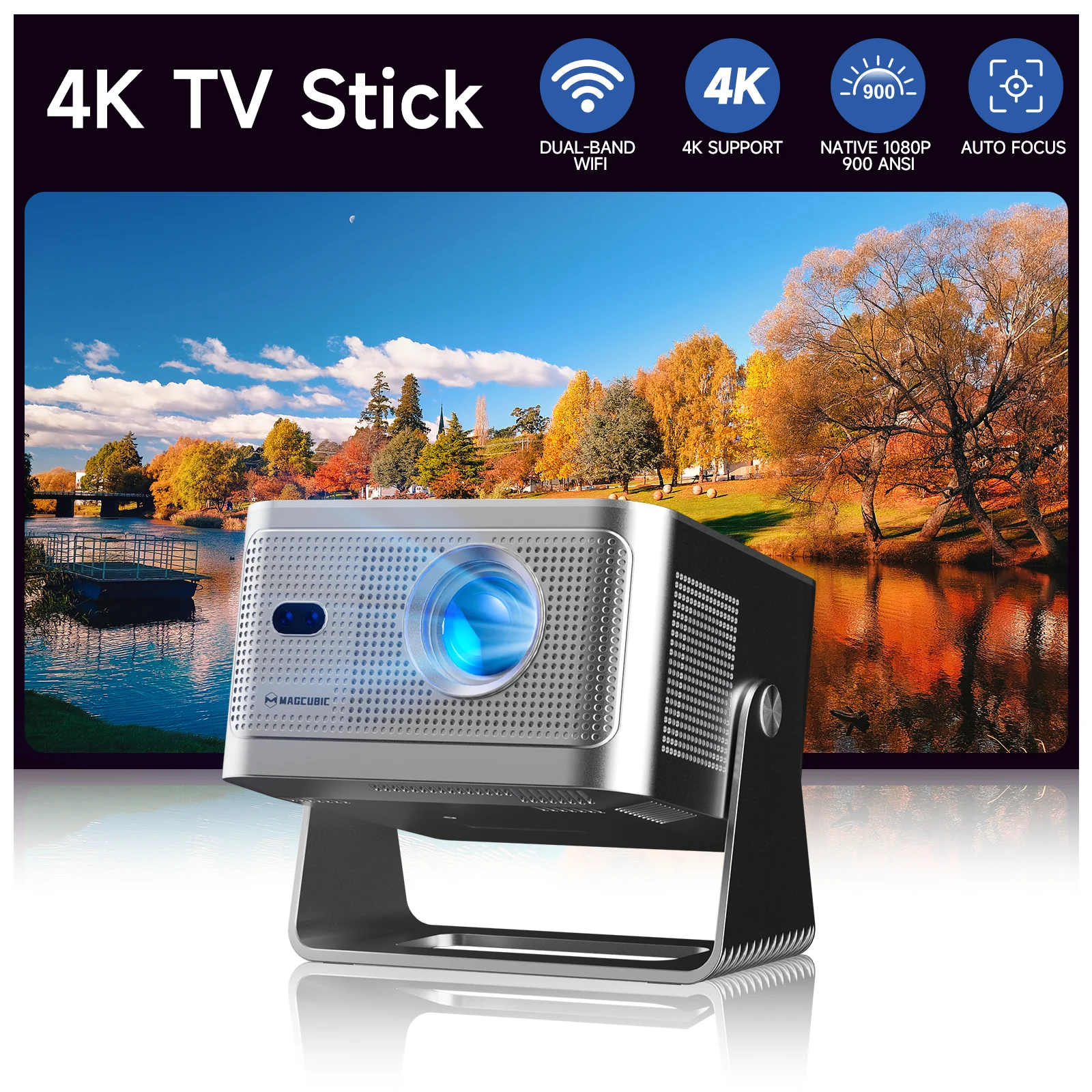
The Magcubic title advertises a native 1080p projector, 900 ANSI lumens, auto focus, portability, and a 4K TV stick. If those figures are accurate, it is positioned as a more capable living-room or outdoor-evening machine than a basic 720p bedroom projector.
The caution is measurement. A large brightness number is only useful when the measurement method is clear and credible. Outdoor use also requires realistic expectations: even a bright compact projector needs darkness, a stable surface, and protection from moisture. Treat the included TV stick as a convenience until its software support and app compatibility are confirmed.
4. ThundeaL TD80 Pro: budget Full HD with broad input support
The ThundeaL listing describes a native Full HD 1080p projector with Android, Wi-Fi, 3D, and support for 2K and 4K sources. For movie buyers, the key phrase is “Full HD”: that is the part most relevant to the displayed image. The 2K and 4K wording should be read as input or playback compatibility unless the seller clearly states otherwise.
This could be a reasonable value choice for a dark bedroom or occasional movie wall, particularly if the price and return terms are favorable. The available information does not state a brightness standard, fan noise, throw ratio, speaker performance, or gaming latency. Those are not minor details if the projector will be used in a shared living room or for console gaming.

5. DITONG X3Plus: the straightforward Full HD candidate
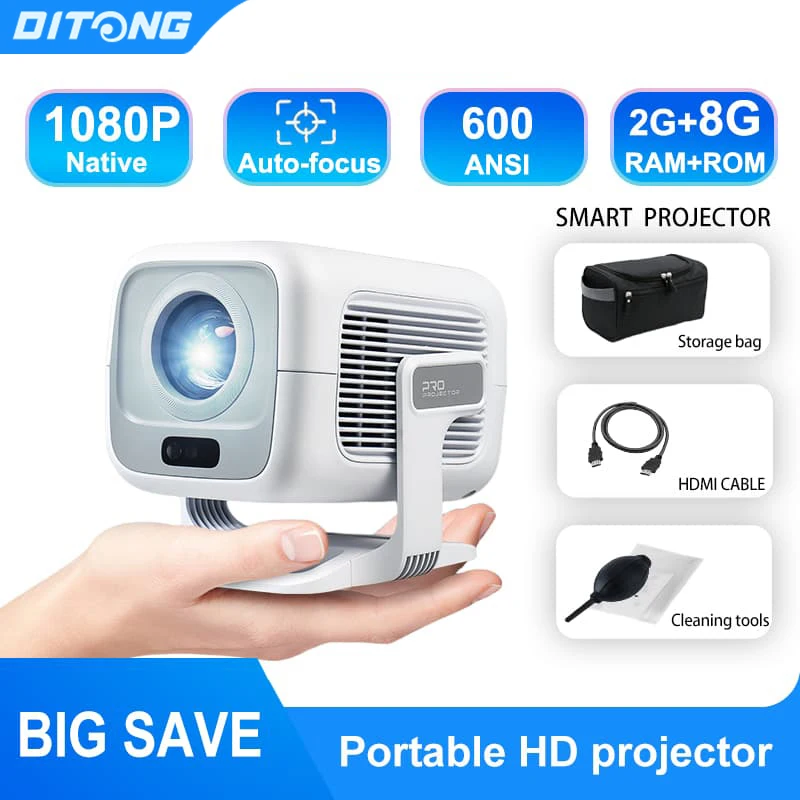
The DITONG X3Plus listing claims native 1080p, 4K support, Wi-Fi 6, Bluetooth 5.4, Android, and a portable mini design. Among the lower-priced options, its native Full HD claim gives it a clear advantage over the XGODY for text, subtitles, and fine image detail—assuming the listing is accurate.
It remains difficult to judge the projector’s room suitability without a verified brightness figure. Wi-Fi 6 and Bluetooth 5.4 describe connectivity generations, not image quality. They may help with newer networks or accessories, but they cannot compensate for a dim image, poor focus uniformity, or unreliable software.
Which type should you buy?
For a dark bedroom
The XGODY is the least expensive-looking route if you mainly want casual streaming or mirroring and do not need crisp 1080p detail. The ThundeaL or DITONG is more appealing for regular movie watching because their listings claim Full HD resolution.
For portability
The BYINTEK is the only listing here that explicitly emphasizes a battery, while the Magcubic, XGODY, ThundeaL, and DITONG are presented as portable mini projectors. Confirm actual battery runtime before treating any model as suitable for off-grid viewing.
For gaming
Do not choose from resolution and Bluetooth figures alone. Ask for measured input lag, especially if you play competitive games. A separate wired HDMI connection is generally the safer starting point than wireless mirroring.
Before ordering from a marketplace listing
- Confirm native resolution, not just the highest supported input.
- Ask how brightness was measured and whether the figure is ANSI lumens.
- Check whether the built-in streaming system supports your required apps and has official certification.
- Verify the power plug, voltage compatibility, battery runtime, and included accessories.
- Look for a clear return address and warranty process before paying more for a portable model.
- Check throw distance and image-size guidance; a claimed 120-inch image is not automatically a useful 120-inch image in a lit room.
- For ceiling or shelf placement, prioritize physical alignment and lens flexibility over extreme digital keystone correction.
Put the budget models in perspective
Manufacturer-documented alternatives show why specifications need context. BenQ’s GV30 is a 720p, 300-ANSI-lumen portable projector with a battery, while Epson’s discontinued EF12 combines native 1080p, 1,000-lumen color and white brightness, laser illumination, Android TV, and automatic focus and keystone in a 4.7-pound chassis. BenQ GV30 specifications · Epson EF12 product page
For a less portable installation, BenQ’s HT2050A is a native 1080p home-cinema projector with a published 2,200 ANSI-lumen rating, optical zoom, lens shift, and a stated 16.7 ms input lag at 1080p/60 Hz. Epson’s Home Cinema 2350 is a larger 4K PRO-UHD pixel-shifting model with Android TV and 2,800 lumens of color and white brightness. These are not direct substitutes for the compact marketplace models, but they demonstrate what you pay for when placement controls, documented performance, and established support become priorities. BenQ HT2050A specifications · Epson Home Cinema 2350 product page
Bottom line
For the lowest-cost, occasional bedroom experience, the XGODY’s listed 720p specification may be enough. For sharper movie images, the ThundeaL and DITONG are the more logical budget candidates because their titles claim native Full HD. The Magcubic is the most interesting if its advertised brightness survives verification. The BYINTEK offers the broadest apparent portable feature set, but it deserves the most careful checks because the listing does not establish several specifications that justify its higher price.
Whichever model you choose, plan around a dark room, a stable mounting position, and an HDMI fallback. Those practical details will affect the picture more reliably than a “4K” badge or a long list of wireless standards.